AzPainter (Windows ver.)
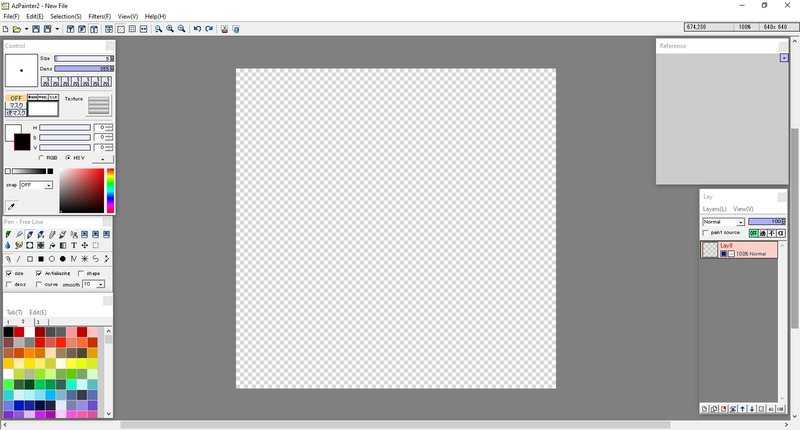
Developer: Azel (azelpg)
Release Date: 2009?
Plugins?: No
Open Source?: Unknown
Price: Free
Website: AZSky (defunct?)
Pros:
- Lightweight
- Healthy amount of Filters
- You can change many default settings to your liking
- Support for .ACO color pallets
- Support for common image formats, including .PSD
- You can have up to 7 Size/Density presets for each brush
Cons:
- No Lasso or Magic Wand tool
- Limited selection of brushes
- Limited amount of Undos
- Brush size only goes up to 100px
- Finicky Cut/Copy/Paste
Support for the Windows version of AzPainter was discontinued in 2011.
You can get an English translation of AzPainter 2.12 Here.
AzPainter (Linux ver.)
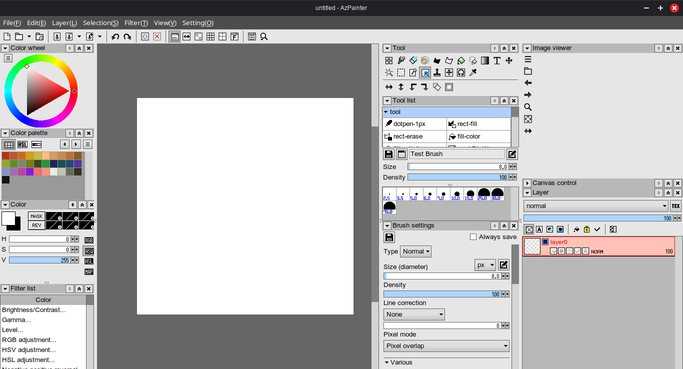
Developer: Azel (azelpg)
Release Date: 2013?
Plugins?: No
Open Source?: Yes
Price: Free
Website: GitLab
Pros:
- Lightweight. Boots almost instantly.
- Healthy amount of Filters.
- You can change many default settings to your liking.
- Has more features than the Windows version.
- Has more advanced brush settings than the Windows version.
Cons:
- Slightly buggy.
- Takes a bit to get used to, especially if you're used to the Windows version.
- Cut/Copy/Paste is still finicky.
FireAlpaca (regular version)
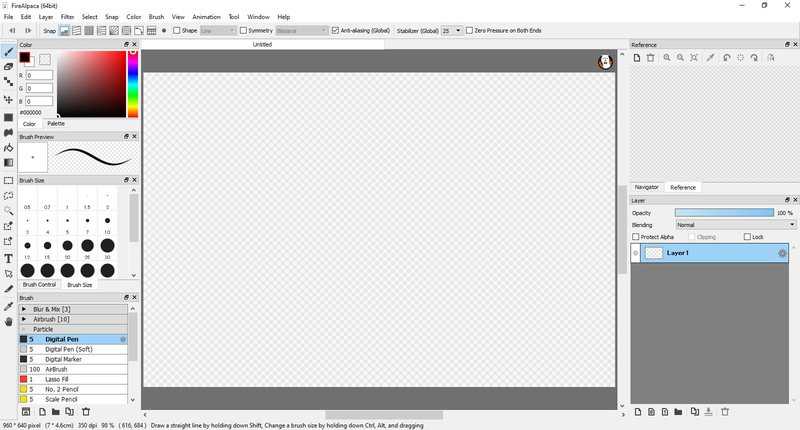
Developer: PGN Inc.
Release Date: November 2011
Plugins?: No
Open Source?: No
Price: Free (FireAlpaca SE, The Steam version with exclusive features, costs $39.99 USD)
Website: firealpaca.com
Pros:
- Beginner-friendly. UI isn't too overwhelming.
- "Brush Store" holds variety of useful brushes. (Though most of them are exclusive to the Steam version.)
- Brush search feature so you don't have to scroll endlessly to find the brush you need.
- Support for .ACO color pallets
- Support for common image formats, including .PSD
- You can rearrange the UI to your liking.
- Tools for animation and comic creation. Perfect for those who want a simple way to start creating comics/animations.
Cons:
- Most features are exclusive to the paid Steam version, like new advanced brushes and a dark theme.
- FireAlpaca also doesn't have features present in most art programs, like a liquify tool.
- Text tool is lackluster.
Microsoft Paint (Windows 7 - Windows 10)
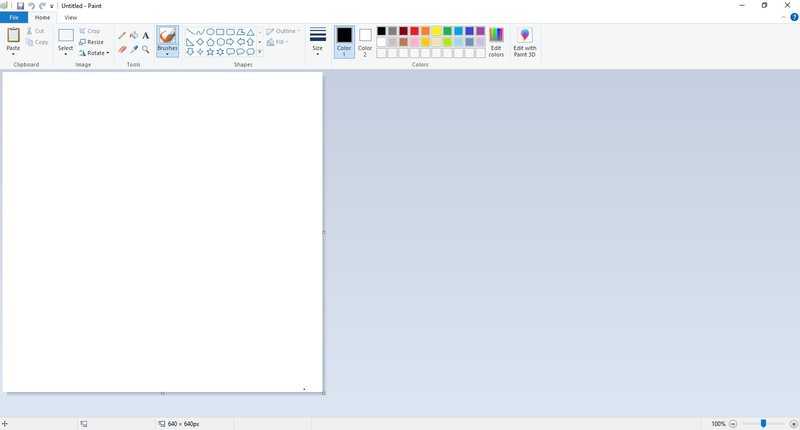
Developer: Microsoft
Release Date: July 2009
Plugins?: No
Open Source?: No
Price: Free (Comes bundled with Windows)
Website: N/a
Pros:
- Lightweight
- Simple to use
Cons:
- No layers or transparency support (Only the Windows 11 version has those features.)
- Some useful features, such as manually changing the brush size, are hidden
TEGAKI Draw & Tweet
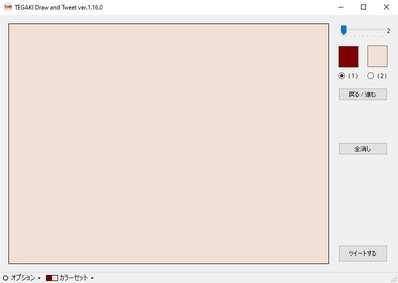
Developer: Tatuya Kannagi
Release Date: Possibly 2013?
Plugins?: No
Open Source?: No
Price: Free
Website: kannagi.net
Pros:
- Lightweight
- Fun to mess around with
- Ability to post directly to Twitter/Bluesky/Mastodon
- You can change the two given colors to your liking.
- A web version exists for people who don't have Windows
Cons:
- Limited to only 1 undo
*This program does not have an English version.
Kid Pix Deluxe 4
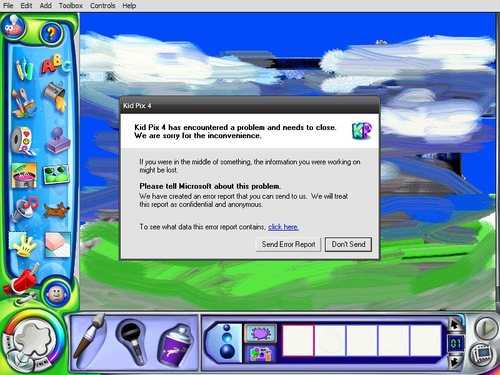
Developer: The Learning Company
Release Date: Sometime in 2004
Plugins?: No
Open Source?: No
Price: Unknown
Website: Unknown
Pros:
- Better "art" brushes than Microsoft Paint
- Might be good for a child or an adult who's feeling nostalgic
Cons:
- Limited to only 1 undo.
- Cannot freely change the size of the brushes.
- Lack of common keyboard shortcuts, like Ctrl+Z
- Prone to crashing. (Unless there's something wrong with my copy)
Krita
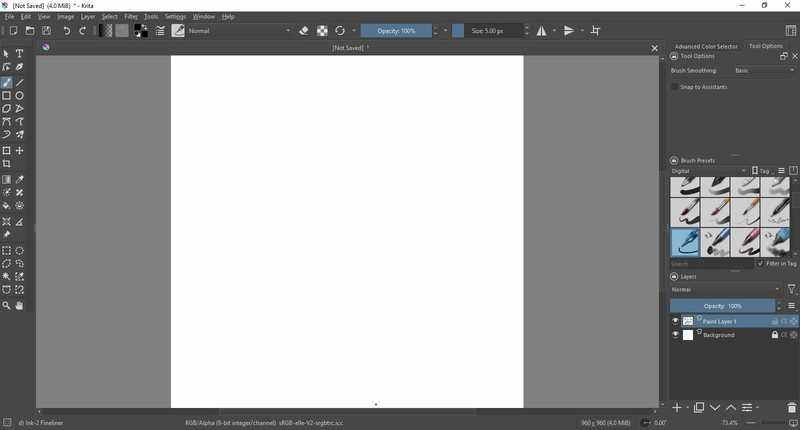
Developer: KDE, Krita Foundation
Release Date: June 2005
Plugins?: Yes
Open Source?: Yes
Price: Free*
Website: krita.org
Pros:
- Lots of brushes, pallets, themes and plugins to download. krita-artists.org is a great place to look.
- Widely supported. It's avaiable for free on the Big 3 OSes, Haiku and ChromeOS. It is also avaiable on Android**.
- Makes a great Photoshop clone in a pinch.
- Features catered towards comic makers and animators.
- You can rearrange the UI to your liking.
Cons:
- Not beginner-friendly. People coming from programs like FireAlpaca and IbisPaint might be overwhelmed by the UI.
- No reference window docker. That was removed in version 4.1.
- Text tool sucks (for now)
- No .PSD text support as of version 5.2.14.
- No Photoshop brush support as of version 5.2.14.
- Right clicking brings up a brush/color pallet instead of acting as an eyedropper tool like in other programs.
- Weird default keybinds.
*Krita is free on all platforms, but you can purchase it off the Windows Store/Mac App Store/Steam/Epic Games Store to support the developers and to bypass having to manually update Krita on MacOS/Windows.
**The Android version can only be installed on Android tablets. Meaning people like me who only have Android phones are stuck with IbisPaint. *cries*
IbisPaint
Developer: ibis inc.
Release Date: Febuary 2014
Plugins?: No
Open Source?: No
Price: Free w/ paid subscription
Website: ibispaint.com
Pros:
- Well-rounded app with lots of features while also being simple to use.
- Online community you can directly post your art to.
- Built-in time lapse feature.
- Animation features.
Cons:
- Gradient Map, the ability to make folders, an "AI Disturbance" filter, basically all of the cool features, are locked behind a $27.99 per year premium membership. WTF?
- Most of the brushes are locked behind ads. To remove the ads, you'll have to cough up 15 bucks.
- The Mac and Windows versions have a 1-hour time limit that can only be removed by guess what? Paying up.
Other paint programs:
- ArtRage (Windows/Mac/Android, Paid)
- Artweaver (Windows Only, Free w/ paid version)
- Clip Studio Paint (Windows/Mac/Android/iOS, Paid licence)
- Corel Painter (Windows/Mac, Paid)
- jskidpix (Browser, Free and Open Source, I think.)
- MediBang Paint (Windows/iOS, Free w/ Paid version)
- Microsoft Fresh Paint (Windows Only, Free)
- Microsoft Paint 3D (Windows Only, Free)
- MyPaint (Windows/Mac/Linux, Free and Open Source)
- OpenCanvas (Windows, Free w/ Paid version)
- IbisPaint (Android/iOS/Windows/Mac, Free w/ paid subscription)
- Paint Tool SAI (Windows Only, Paid licence)
- Pixia (Windows Only, Free)
- Rebelle (Windows/Mac, Paid)
- Tux Paint (Various, Free and Open Source)
- TwistedBrush (Windows Only, Paid)
- ProCreate (iOS only, One-off payment.)
- HEAVYPAINT (Various, Paid licence)
Not really paint programs but still worth mentioning:
- Adobe Photoshop CS6 (Windows/Mac, Paid/Possibly Abandonware)
- Cosmic Blobs (Windows Only, Abandonware)
- GIMP (Windows/Mac/Linux, Free and Open Source)
- Paint.NET (Windows Only, Free)
- Pictbear (Windows Only, Free)