List of digital art programs
AzPainter (Windows ver.)
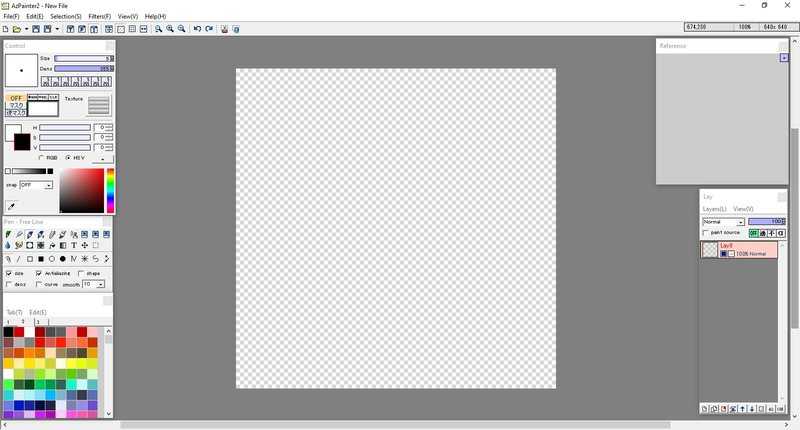
Developer Azel (azelpg)
Release date 2009?
Plugins? No
Open Source? Unknown
Price Free
Offical Website AZSky (defunct?)
Pros:
- Lightweight
- Healthy amount of Filters
- You can change many default settings to your liking
- Support for .ACO color pallets
- Support for common image formats, including .PSD
- You can have up to 7 Size/Density presets for each brush
Cons:
- No Lasso or Magic Wand tool
- Limited selection of brushes
- Limited amount of Undos
- Brush size only goes up to 100px
- Finicky Cut/Copy/Paste
Support for the Windows version of AzPainter was discontinued in 2011.
You can get an English translation of AzPainter 2.12 Here.
AzPainter (Linux ver.)
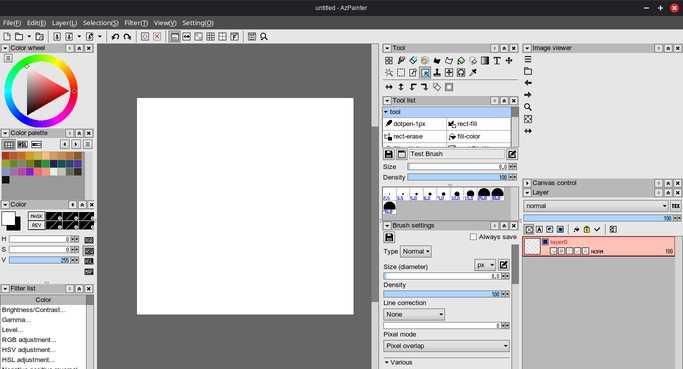
Developer Azel (azelpg)
Release date 2013?
Plugins? No
Open Source? Yes
Price Free
Offical Website GitLab
Pros:
- Lightweight. Boots almost instantly.
- Healthy amount of Filters.
- You can change many default settings to your liking.
- Has more features than the Windows version.
- Has more advanced brush settings than the Windows version.
Cons:
- Slightly buggy.
- Takes a bit to get used to, especially if you're used to the Windows version.
- Cut/Copy/Paste is still finicky.
FireAlpaca (regular version)
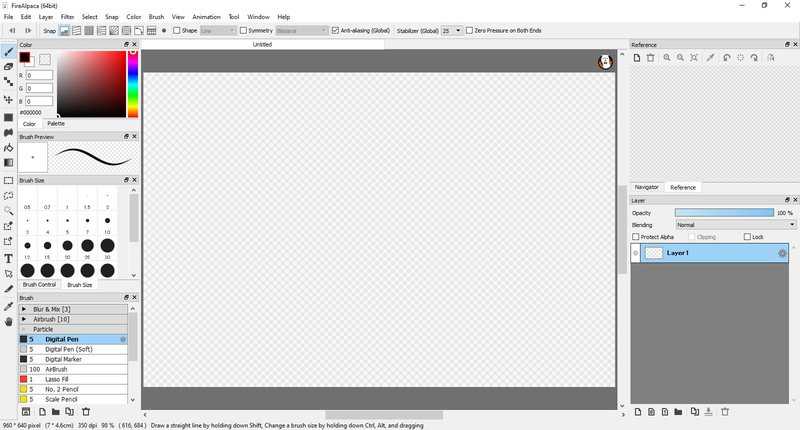
Developer PGN Inc.
Release date November 2011
Plugins? No
Open Source? No
Price Free (FireAlpaca SE, The Steam version with exclusive features, costs $39.99 USD)
Offical Website firealpaca.com
Pros:
- Beginner-friendly. UI isn't too overwhelming.
- "Brush Store" holds variety of useful brushes. (Though most of them are exclusive to the Steam version.)
- Brush search feature so you don't have to scroll endlessly to find the brush you need.
- Support for .ACO color pallets
- Support for common image formats, including .PSD
- Tools for animation and comic creation. Perfect for those who want a simple way to start creating comics/animations.
Cons:
- Most features are exclusive to the paid Steam version, like new advanced brushes and a dark theme.
- FireAlpaca also doesn't have features present in most art programs, like a liquify tool.
- Text tool is lackluster.
Microsoft Paint (Windows 7 - Windows 10)
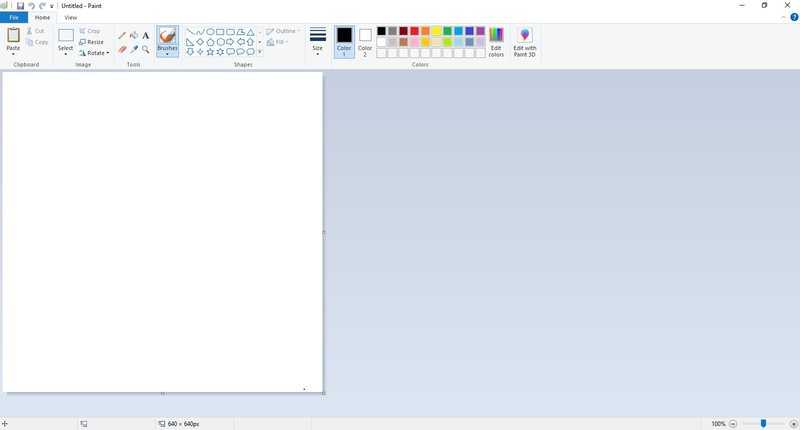
Developer Microsoft
Release date July 2009
Plugins? No
Open Source? No
Price Free (Comes bundled with Windows)
Offical Website N/a
Pros:
- Lightweight
- Simple to use
Cons:
- No layers or transparency support (Only the Windows 11 version has those features.)
- Some useful features, such as manually changing the brush size, are hidden
TEGAKI Draw & Tweet
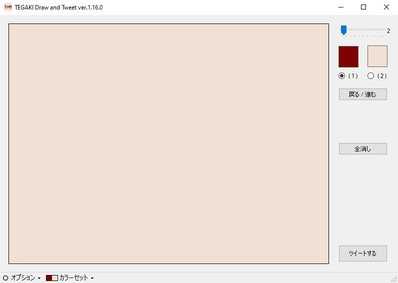
Developer Tatuya Kannagi
Release date Possibly 2013?
Plugins? No
Open Source? No
Price Free
Offical Website kannagi.net
Pros:
- Lightweight
- Fun to mess around with
- Ability to post directly to Twitter/Bluesky/Mastodon
- You can change the two given colors to your liking.
- A web version exists for people who don't have Windows
Cons:
- Limited to only 1 undo
This program does not have an English version.
Krita
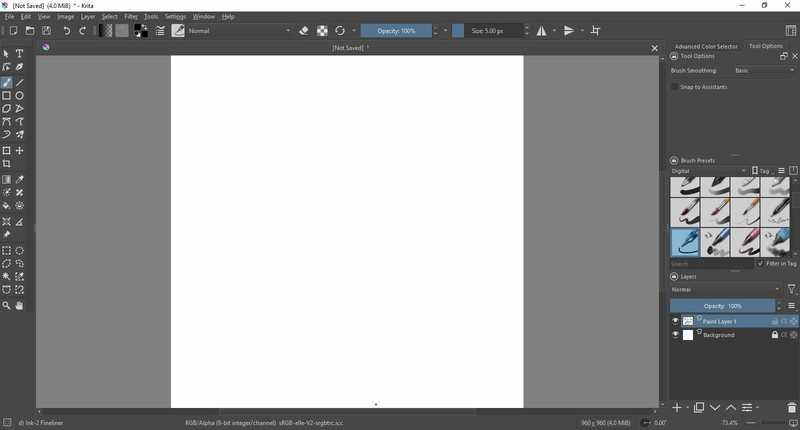
Developer KDE, Krita Foundation
Release date June 2005
Plugins? Yes
Open Source? Yes
Price Free*
Offical Website krita.org
Pros:
- Lots of brushes, pallets, themes and plugins to download. krita-artists.org is a great place to look.
- Widely supported. It's avaiable for free on the Big 3 OSes, Haiku and ChromeOS. It is also avaiable for Android tablets.
- Makes a great Photoshop clone in a pinch.
- Features catered towards comic makers and animators.
Cons:
- Not beginner-friendly.
- Text tool sucks (for now)
- No .PSD text support as of version 5.2.14.
*Krita is free on all platforms, but you can purchase it off the Windows Store/Mac App Store/Steam/Epic Games Store to support the developers and to bypass having to manually update Krita on MacOS/Windows.
Other paint programs:
- ArtRage (Windows/Mac/Android, Paid)
- Artweaver (Windows Only, Free w/ paid version)
- Clip Studio Paint (Windows/Mac/Android/iOS, Paid licence)
- Corel Painter (Windows/Mac, Paid)
- KidPix (Various, Paid/Abandonware/The 1989 version of Kid Pix is in the Public Domain.)
- jskidpix (Browser, Free and Open Source, I think.)
- MediBang Paint (Windows/iOS, Free w/ Paid version)
- Microsoft Fresh Paint (Windows Only, Free)
- Microsoft Paint 3D (Windows Only, Free)
- MyPaint (Windows/Mac/Linux, Free and Open Source)
- OpenCanvas (Windows, Free w/ Paid version)
- IbisPaint (Android/iOS/Windows/Mac, Free w/ paid subscription)
- Paint Tool SAI (Windows Only, Paid licence)
- Pixia (Windows Only, Free)
- Rebelle (Windows/Mac, Paid)
- Tux Paint (Various, Free and Open Source)
- TwistedBrush (Windows Only, Paid)
Not really paint programs but still worth mentioning:
- Adobe Photoshop CS6 (Windows/Mac, Paid/Possibly Abandonware)
- Cosmic Blobs (Windows Only, Abandonware)
- GIMP (Windows/Mac/Linux, Free and Open Source)
- Paint.NET (Windows Only, Free)
- Pictbear (Windows Only, Free)
Back